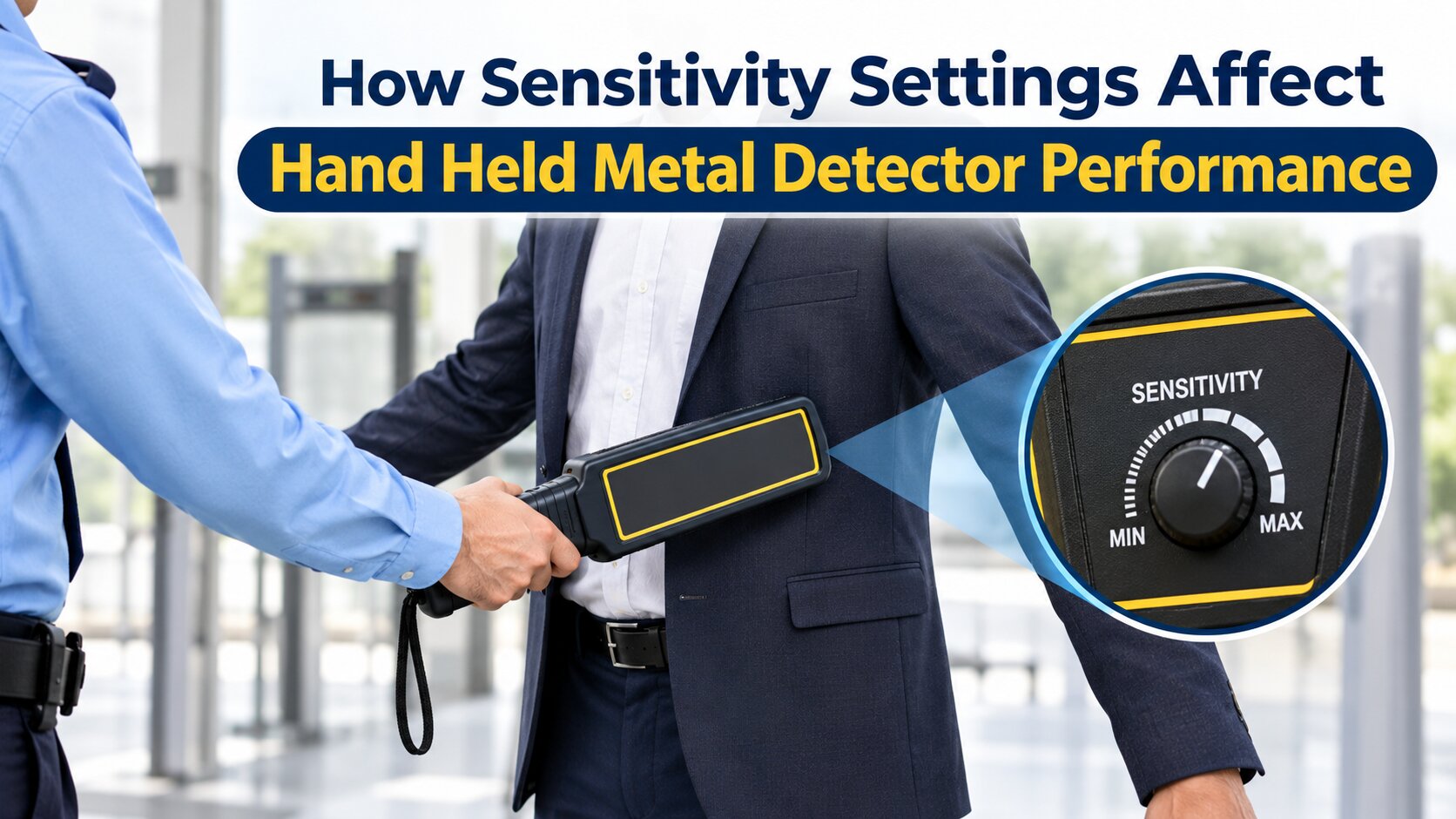
How Sensitivity Settings Affect Hand Held Metal Detector Performance
Hand held metal detectors are widely used for security screening at airports, railway stations, shopping malls, offices, educational institutions, and industrial facilities. These devices help security personnel identify concealed metallic objects and maintain safer entry points.
One important factor that influences their performance is sensitivity. It determines how effectively a detector responds to metallic objects of different sizes and types. Proper sensitivity adjustment helps improve detection accuracy and reduce unnecessary alarms.
A quality Handheld Security Scanner with suitable sensitivity settings can make security screening more efficient and reliable.
1. What Are Sensitivity Settings in a Hand Held Metal Detector?
Sensitivity refers to how responsive a metal detector is when it comes near a metallic object. Most modern handheld detectors offer adjustable sensitivity levels according to different security requirements.
Generally, sensitivity settings are divided into three levels:
- High Sensitivity: Helps detect smaller metallic objects and is useful for detailed security screening.
- Medium Sensitivity: Provides a balance between detection performance and unnecessary alarms.
- Low Sensitivity: Reduces responses to smaller metallic objects and may be suitable for certain routine screening environments.
The correct setting depends on the security requirements, surrounding environment, and type of objects being detected.
2. How Sensitivity Affects Detection Performance
Sensitivity directly influences the ability of a detector to identify metallic objects. However, using the highest sensitivity level does not always provide the best results.
Some important performance factors include:
Detection of Small Objects: Higher sensitivity can help identify smaller metallic objects that may not be detected at lower settings.
Detection Distance: Sensitivity can influence how far away a detector responds to an object. However, detection distance also depends on metal type, object size, and device design.
False Alarms: Excessively high sensitivity may increase unnecessary alerts caused by small metal items or environmental interference.
Detection Consistency: Appropriate settings help security personnel achieve more consistent results during repeated screening.
3. Understanding Different Sensitivity Levels
High Sensitivity
High sensitivity is useful in locations where detailed screening is required. It helps improve the detection of relatively small metallic objects.
Common applications include:
- Airports and railway stations
- Government buildings
- High-security offices
- Restricted industrial areas
However, higher sensitivity may also increase false alarms in environments with nearby metallic structures or electromagnetic interference.
Medium Sensitivity
Medium sensitivity provides a practical balance between detection capability and screening convenience.
It is commonly suitable for shopping malls, hotels, educational institutions, corporate offices, and commercial buildings.
Low Sensitivity
Low sensitivity reduces the detector's response to smaller metallic objects. It may be useful in environments where routine screening involves frequent harmless metal items.
However, operators should avoid reducing sensitivity below the level required by the site's security procedures.
4. Factors That Influence Metal Detector Sensitivity
Sensitivity settings are not the only factors affecting detector performance. Several conditions can influence detection accuracy.
Size and Type of Metal: Larger metallic objects are generally easier to detect than smaller ones. Different metals and object shapes may also produce different responses.
Scanning Distance: Maintaining an appropriate distance between the detector and the person being screened helps achieve consistent results.
Environmental Interference: Nearby metallic furniture, electrical equipment, and other sources of interference may affect performance.
Battery Condition: Low battery power can affect the operation of certain detectors. Regular battery checks are important.
Scanning Technique: Moving the detector too quickly or following an inconsistent scanning pattern may affect detection results.
5. How to Choose the Right Sensitivity Setting
Different security environments have different screening requirements. Therefore, sensitivity should be adjusted according to the application.
|
Environment |
General Consideration |
|
Airports |
Detailed security screening |
|
Shopping malls |
Balanced sensitivity |
|
Industrial facilities |
Workplace-specific security requirements |
|
Educational institutions |
Efficient visitor screening |
|
Government buildings |
Higher security requirements |
These are general considerations, not fixed settings. Operators should follow the manufacturer's instructions and conduct appropriate performance tests.
Businesses looking for a Hand Held Metal Detector in Jaipur should compare detection capabilities, sensitivity controls, battery performance, and ease of operation before selecting a suitable device.
6. Common Sensitivity Problems and Their Solutions
Incorrect sensitivity settings can create difficulties during security screening. Understanding common problems helps operators maintain better performance.
Frequent False Alarms: Excessive sensitivity or environmental interference may cause repeated alerts. Check the surroundings and adjust the settings according to manufacturer guidelines.
Failure to Detect Small Objects: Low sensitivity or incorrect scanning techniques may affect the detection of smaller objects. Check the device settings and perform functional tests.
Inconsistent Detection: Battery problems, equipment damage, or interference may cause inconsistent results. Inspect the device regularly.
Slow Screening Process: Frequent unnecessary alarms can interrupt entry procedures. Proper operator training and suitable sensitivity settings help improve screening efficiency.
7. Best Practices for Maintaining Detector Performance
Regular maintenance and correct operation are essential for reliable metal detection.
Some useful practices include:
- Test the detector before starting security operations.
- Check battery levels regularly.
- Follow the manufacturer's recommended sensitivity settings.
- Train security personnel in correct scanning techniques.
- Keep the equipment clean and inspect it for physical damage.
- Perform routine functional checks using suitable test objects.
- Avoid unnecessary sensitivity adjustments.
These practices help maintain consistent equipment performance and support effective security screening.
8. Choosing a Reliable Security Equipment Supplier
Selecting suitable security equipment requires attention to product quality, technical specifications, and after-sales support.
A reliable Industrial security equipment supplier in jaipur can help businesses understand available models, compare product features, and select equipment according to their security requirements.
Before purchasing a handheld metal detector, consider its detection performance, sensitivity adjustment options, alarm indicators, battery backup, durability, and maintenance support.
Whether the requirement is for an industrial facility, commercial building, educational institution, or public security checkpoint, selecting appropriate equipment is important for maintaining an effective screening process.
Conclusion
Sensitivity settings play an important role in the performance of hand held metal detectors. Choosing the appropriate level helps improve detection accuracy, reduce unnecessary alarms, and maintain an efficient screening process.
Along with correct sensitivity adjustment, regular testing, battery maintenance, and proper operator training contribute to reliable equipment performance. Businesses should select suitable devices based on their security requirements and work with an experienced Industrial security equipment supplier in jaipur to make informed purchasing decisions.
Frequently Asked Questions (FAQs)
1. What is sensitivity in a hand held metal detector?
Sensitivity determines how responsive a detector is when it encounters metallic objects. Higher sensitivity can help detect smaller objects, depending on the device and operating conditions.
2. Is high sensitivity always better?
No. High sensitivity can improve small-object detection but may also increase unnecessary alarms. The correct setting depends on the security environment.
3. Can battery conditions affect metal detector performance?
Yes. Low battery power can affect the operation of some detectors. Regular battery checks help maintain reliable performance.
4. Which sensitivity setting is suitable for industrial facilities?
It depends on workplace security requirements, nearby equipment, and environmental conditions. The manufacturer's recommended settings should always be followed.
5. How can I select a suitable handheld metal detector?
Compare detection capabilities, sensitivity controls, battery backup, alarm features, durability, and technical support before purchasing.