Why Choose an Ajax Wireless Security System for Property Security?
Property security has become an important concern for homeowners, offices, shops, warehouses, schools, and other commercial spaces. Traditional locks and basic alarms can provide a level of protection, but modern security requirements often call for better monitoring, faster alerts, and flexible installation. Wireless security technology has made it easier to build a security setup that can be adapted to the size and layout of different properties.
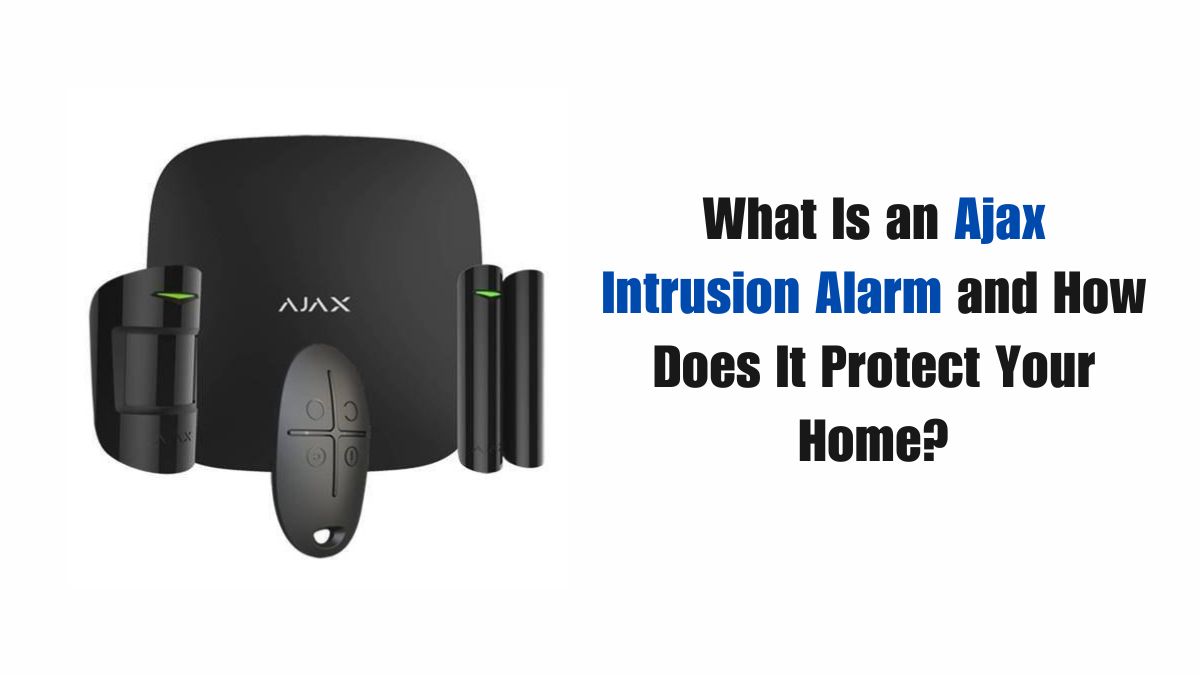
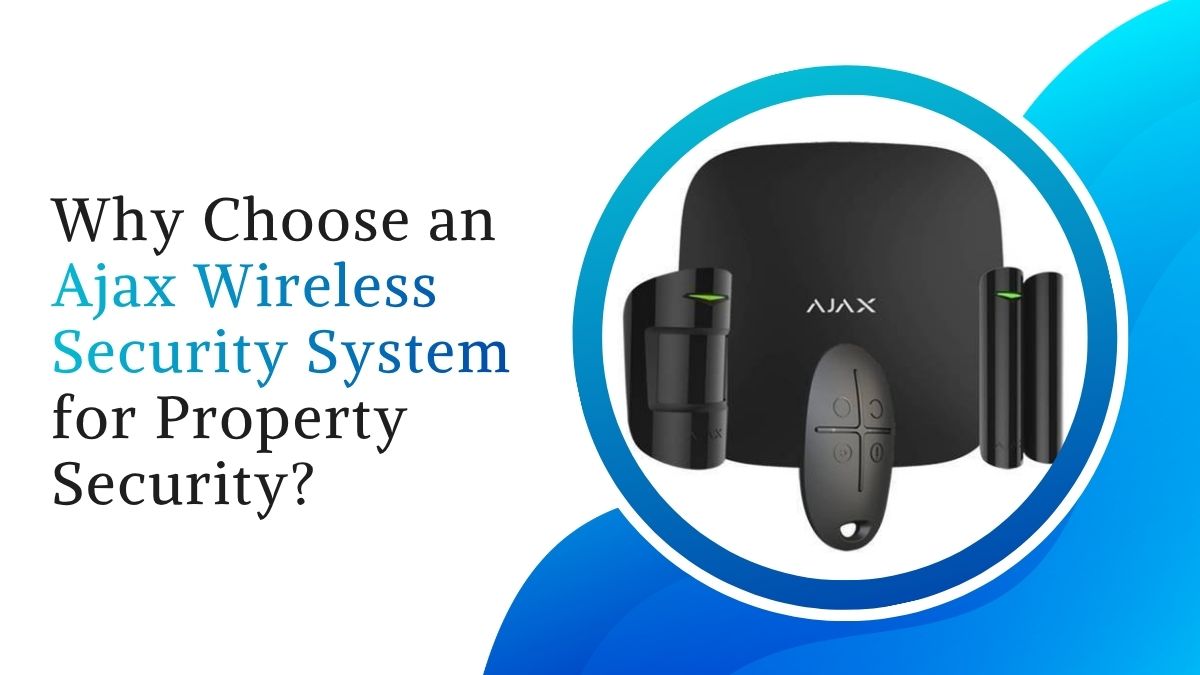
An Ajax wireless security system combines connected security devices such as motion detectors, door and window sensors, sirens, and a central hub. Depending on the configuration, these devices can work together to detect unusual activity and notify authorized users. This makes wireless security a practical option for people looking to improve property monitoring without installing extensive cables throughout a building.
What Is an Ajax Wireless Security System?
An Ajax wireless security system is a modern security solution that uses wireless communication between different devices and a central control hub. Instead of relying primarily on physical wiring, compatible sensors can be positioned at important locations throughout a property.
The system can be configured according to individual security requirements. For example, door and window detectors can monitor possible entry points, while motion detectors can monitor selected indoor areas. Sirens can provide audible warnings when an alarm event is detected.
A central hub manages communication between connected devices and can coordinate alerts based on the information received from sensors. Depending on the available configuration, users may also be able to monitor their security system through a compatible mobile application.
How Does a Wireless Security System Work?
A wireless security system generally works through communication between sensors, the central hub, and authorized users.
When a sensor detects a specific event, it sends information to the hub. The hub processes the signal and activates the appropriate response according to the system's settings. For example, when a protected door is opened while the system is armed, the system may generate an alert and activate a connected siren.
This coordinated operation allows multiple security devices to work together. Instead of relying on one alarm device, property owners can create several layers of detection across important areas.
Key Components of an Ajax Security System
A wireless security setup can include different components depending on the property's requirements.
Motion Detectors
Motion detectors are designed to identify movement within designated areas. They can be installed in rooms, corridors, entrances, or other spaces where unexpected movement needs to be detected.
Door and Window Sensors
Door and window sensors can monitor commonly used entry points. When a protected opening is opened, the system can identify the event and generate an appropriate notification.
Sirens
Indoor and outdoor sirens can provide audible warnings when an alarm is triggered. Their placement should be selected according to the size and layout of the property.
Central Hub
The central hub acts as the main communication point for connected security devices. It receives signals from sensors and coordinates the system's response.
Panic Buttons
Panic buttons can allow authorized users to manually trigger an alert when immediate assistance may be required. They can be useful in homes, offices, shops, and other environments.
Why Choose Wireless Security for Property Protection?
One of the main advantages of wireless security is installation flexibility. Since many devices communicate wirelessly, installation may require less cable routing than a conventional wired setup. This can be useful in completed buildings where extensive wall modification is undesirable.
Wireless systems can also be expanded according to changing requirements. A property owner may begin with protection for the main entrance and selected rooms and later add additional sensors, sirens, or other compatible devices.
Another benefit is the ability to create different security zones. For example, a business may need one set of devices for its reception area, another for storage rooms, and additional protection for restricted spaces.
For property owners considering an Ajax Security Solution in Jaipur, professional planning can help determine which areas require protection and which devices are suitable for each location.
Important Features to Consider
Choosing a security system should involve more than looking at the number of devices included in a package. Several technical and practical factors should be evaluated.
Reliable Wireless Communication
Communication between sensors and the central hub is essential. The system should be suitable for the property's size and layout, with devices positioned within appropriate communication ranges.
Tamper Protection
Security equipment with tamper detection can help identify attempts to interfere with or remove a device. This feature can provide an additional layer of protection against unauthorized interference.
Battery Monitoring
Many wireless security devices operate on batteries. Battery-level monitoring can help users identify devices that need attention before the battery becomes completely depleted.
Mobile Notifications
Mobile alerts can help authorized users remain informed about security events. Depending on the system, notifications may provide information about which device detected an event.
Backup Connectivity
For properties where continuous communication is important, backup connectivity options may be worth considering. The appropriate choice depends on the system and the property's network requirements.
Security for Homes and Businesses
Wireless security systems can be adapted for different property types. In a home, sensors may be installed on main doors, windows, garages, balconies, and selected interior areas.
Commercial properties may require a larger configuration. Offices, shops, warehouses, and other businesses can use different security zones to monitor entrances, inventory areas, equipment rooms, and restricted sections.
The system should be designed according to the property's actual risks and daily usage patterns rather than simply installing the maximum possible number of devices.
Choosing the Right Security System Dealer
Selecting suitable equipment is only one part of creating an effective security setup. Installation, configuration, testing, and after-sales assistance can also influence long-term performance.
When comparing security system dealers, property owners should consider technical knowledge, installation experience, product availability, configuration support, warranty assistance, and maintenance services.
A professional dealer should be able to understand the property's requirements and recommend an appropriate combination of sensors, hubs, sirens, and other components. Clear information about installation, device compatibility, warranty coverage, and future expansion can also help customers make an informed decision.
Ajax Security Solution in Jaipur
Security requirements can vary significantly between properties in Jaipur. A small apartment may need a simple arrangement covering its main entrance and selected rooms, while a villa, office, showroom, or warehouse may require multiple security zones.
A professionally planned Ajax Security Solution in Jaipur can take factors such as property size, number of entrances, internal layout, occupancy, and monitoring requirements into consideration.
For example, a retail store may need protection around its entrance and stockroom, whereas an independent house may require sensors on external doors, windows, and garages. The purpose of professional planning is to make sure that security devices are positioned where they can provide meaningful coverage.
Importance of Professional Installation
Correct installation is essential for the performance of a wireless security system. A sensor that is incorrectly positioned may not provide the intended level of detection, while a poorly configured system can result in unnecessary alerts or missed events.
Professional installers can assess the property, determine suitable device locations, connect the components to the central hub, and test the system after installation.
They can also explain how to arm and disarm the system, manage users, respond to alerts, and perform basic checks. This can make the system easier to use for homeowners and business staff.
Ajax Wireless Security System Services in Jaipur
Security needs can change after installation. Property owners may later want to add devices, modify protected areas, replace batteries, troubleshoot communication issues, or update system configurations.
Reliable Ajax wireless security system services in Jaipur can assist with installation, configuration, testing, maintenance, troubleshooting, and system expansion. Professional support can be particularly useful for properties that use several connected security devices.
Before choosing a service provider, customers can evaluate experience with wireless security technology, service availability, technical support, installation practices, and maintenance options.
How to Plan Your Security Setup
Before purchasing equipment, identify the areas that require protection. Start with primary entrances, windows, garages, storage rooms, and restricted spaces.
Next, determine the type of detection required in each location. Door sensors may be suitable for entry points, while motion detectors can provide additional monitoring inside rooms.
Consider who will use the system and how alerts should be managed. Businesses may need multiple authorized users, while homeowners may prefer mobile notifications for remote awareness.
Planning the system in advance can help avoid unnecessary equipment and ensure that important areas receive suitable coverage.
Maintaining a Wireless Security System
Regular maintenance can help keep a security system dependable. Users should periodically check battery levels, device status, sensor positioning, and communication between connected components.
Software or application updates should also be installed when recommended. If a device repeatedly reports communication problems or unexpected behavior, professional inspection may be appropriate.
Property owners should also ensure that everyone who uses the system understands basic operating procedures and knows what to do when an alarm is triggered.
Final Thoughts
An Ajax wireless security system can provide a flexible approach to property protection by connecting different security devices through a coordinated wireless setup. Motion detection, door and window monitoring, sirens, central management, and mobile notifications can work together to create multiple layers of security.
When selecting security system dealers, property owners should look beyond product pricing and consider installation quality, technical expertise, warranty support, system compatibility, and ongoing service.
For people planning an Ajax wireless security system service in Jaipur requirement, professional installation and maintenance can help ensure that the system is configured according to the property's layout and security needs. With appropriate planning and regular maintenance, a wireless security system can become a useful part of a broader property security strategy.
Frequently Asked Questions
1. What is an Ajax wireless security system?
An Ajax wireless security system is a property protection setup that uses wireless security devices such as motion detectors, door and window sensors, sirens, and a central hub. These devices work together to detect security events and send alerts to authorized users.
2. What are the benefits of using a wireless security system?
Wireless security systems can offer flexible installation, easier expansion, reduced cable requirements, mobile notifications, and the ability to connect multiple security devices within one coordinated setup.
3. Is an Ajax wireless security system suitable for homes?
Yes, a wireless security system can be configured for apartments, independent houses, villas, and other residential properties. Devices can be selected according to entrances, windows, rooms, garages, and other areas requiring monitoring.
4. Can an Ajax security system be used for businesses?
Yes. Wireless security systems can be used in offices, shops, showrooms, warehouses, and other commercial properties. Different security zones can be created for entrances, storage areas, restricted rooms, and other important locations.
5. How do I choose the right security system dealer?
When comparing security system dealers, consider their technical expertise, installation experience, product knowledge, warranty support, configuration services, and availability of after-sales assistance.
6. Why should I choose an Ajax Security Solution in Jaipur?
An Ajax Security Solution in Jaipur can be planned according to the property's size, layout, entry points, and specific security requirements. Professional planning can help ensure that suitable devices are installed in appropriate locations.